Choosing an AI Provider
DrupalPod AI QA can prepare environments for different AI providers.
The main variable for this is DP_AI_PROVIDER.
Supported values are:
openaianthropicamazee(default)
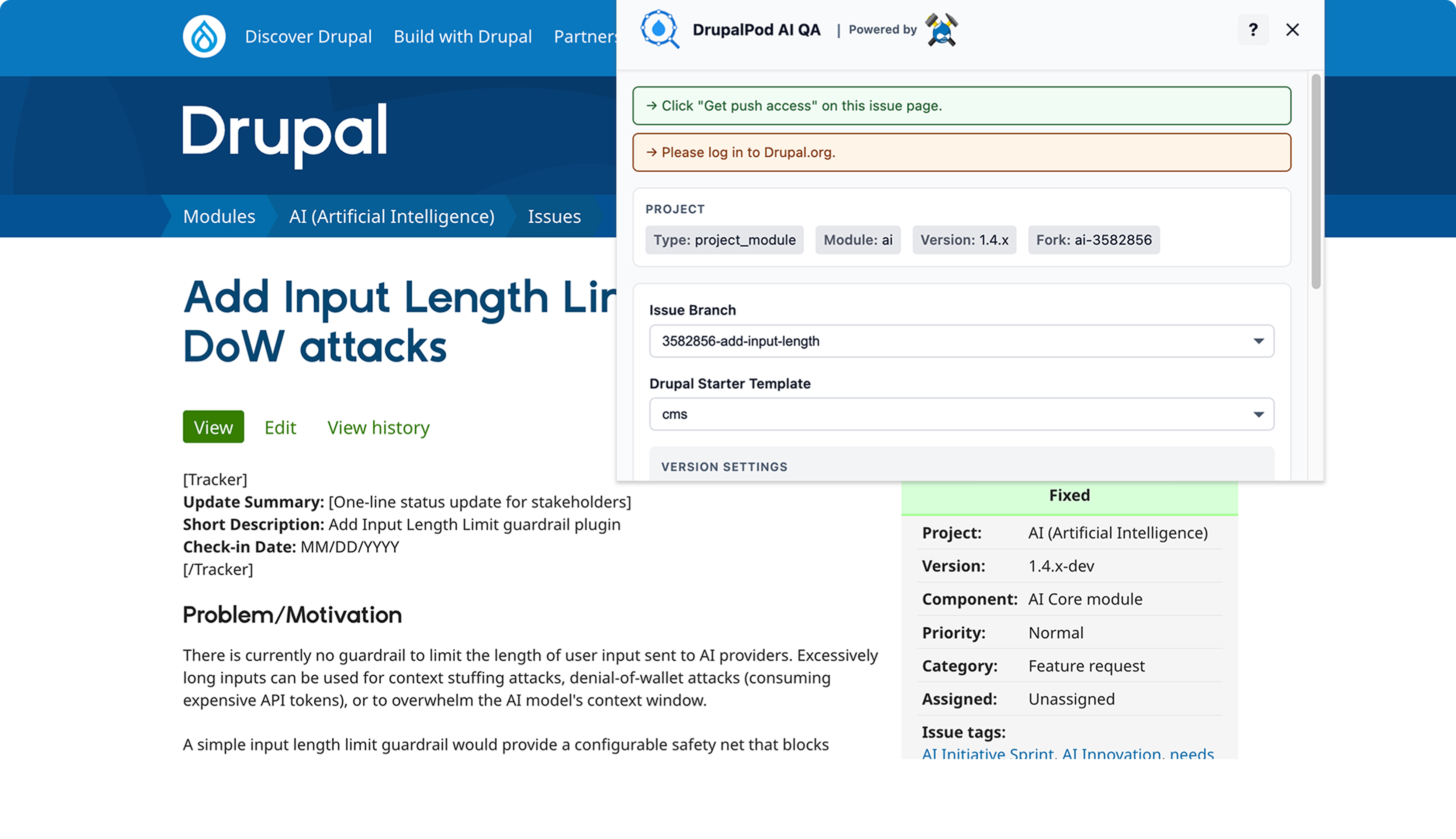
In the hosted flow, the extension gathers issue context and launch settings before the environment is generated:
What This Changes
The selected provider affects how the environment is prepared and how AI access is configured inside Drupal.
openai
- Uses the
ai_provider_openaimodule - Uses the DrupalPod AI QA temporary key flow inside Drupal
- Prompts for a temporary QA key when needed
anthropic
- Uses the
ai_provider_anthropicmodule - Uses the DrupalPod AI QA temporary key flow inside Drupal
- Prompts for a temporary QA key when needed
amazee
- Uses the
ai_provider_amazeeiomodule - Uses the provider's native provisioning flow
- Does not use the same temporary QA key prompt flow as
openaiandanthropic
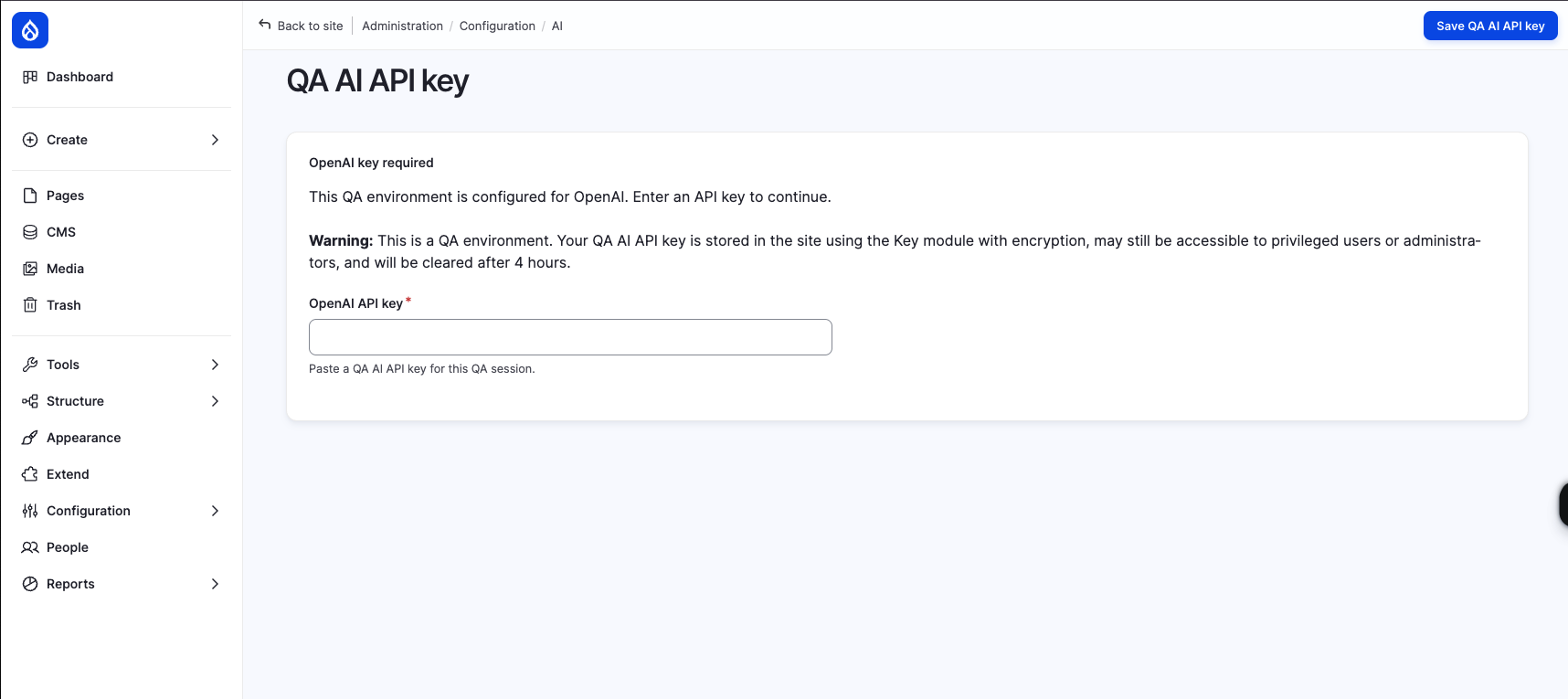
For QA-managed providers such as openai and anthropic, Drupal may prompt
for a temporary QA API key after launch:
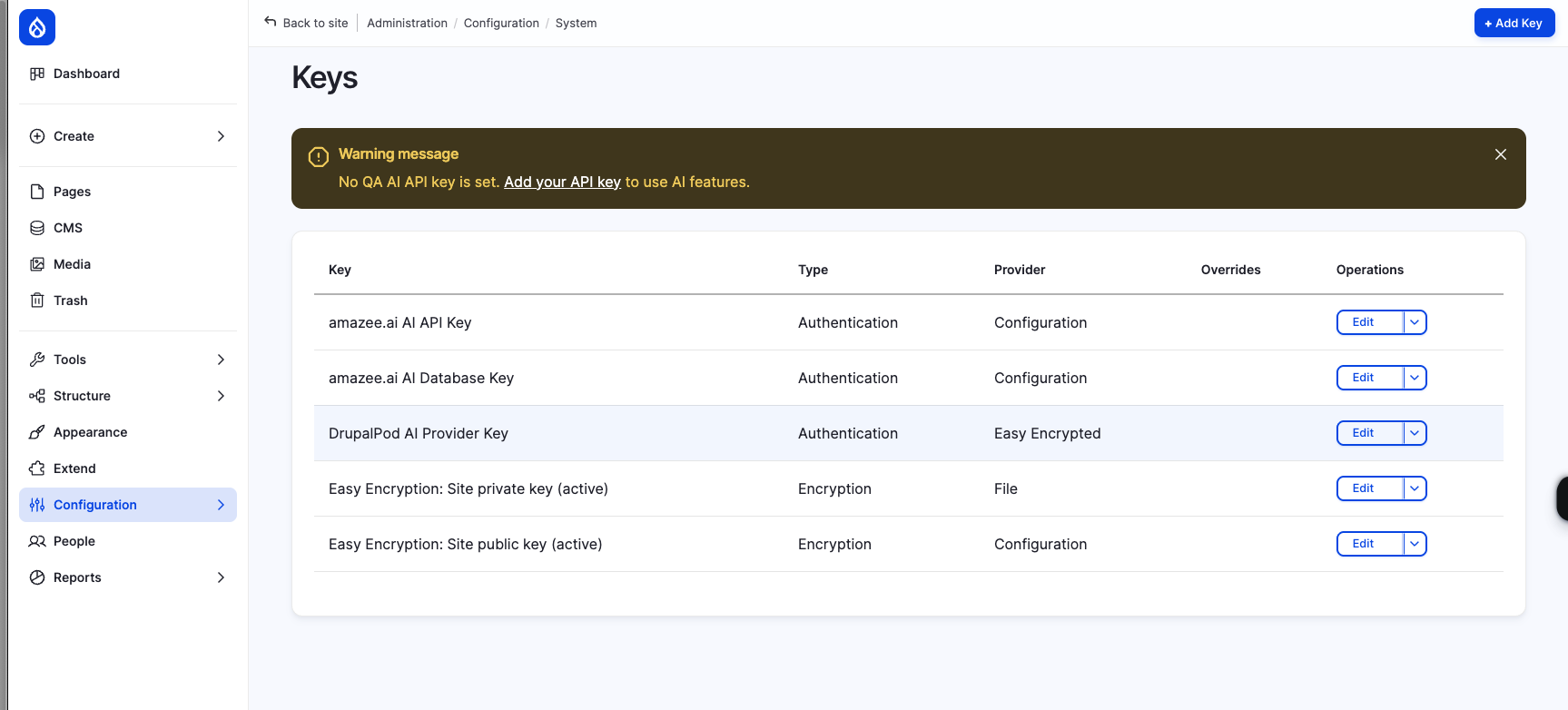
If no temporary QA key has been added yet, Drupal shows a warning to users who can administer AI providers:

After a key has been saved, it appears in the site's key list as the
drupalpod_ai_qa key:
In the Chrome Extension / DrupalForge Flow
In the standard hosted flow, provider setup happens as part of the generated environment rather than as a separate extension control.
If provider-specific overrides are needed, they have to be applied through the generated environment variables rather than through a dedicated provider picker in the extension UI.
In Local DDEV
Set DP_AI_PROVIDER in .ddev/config.drupal.yaml under web_environment.
Example:
web_environment:
  - DP_AI_PROVIDER=anthropic
Then restart the environment:
ddev restart
Related Variables
Provider selection often goes together with:
DP_AI_MODULE_VERSIONDP_AI_ISSUE_FORKDP_AI_ISSUE_BRANCHDP_TEST_MODULEDP_TEST_MODULE_VERSION
For the full variable list, see Configuration Reference.